 AABrowser
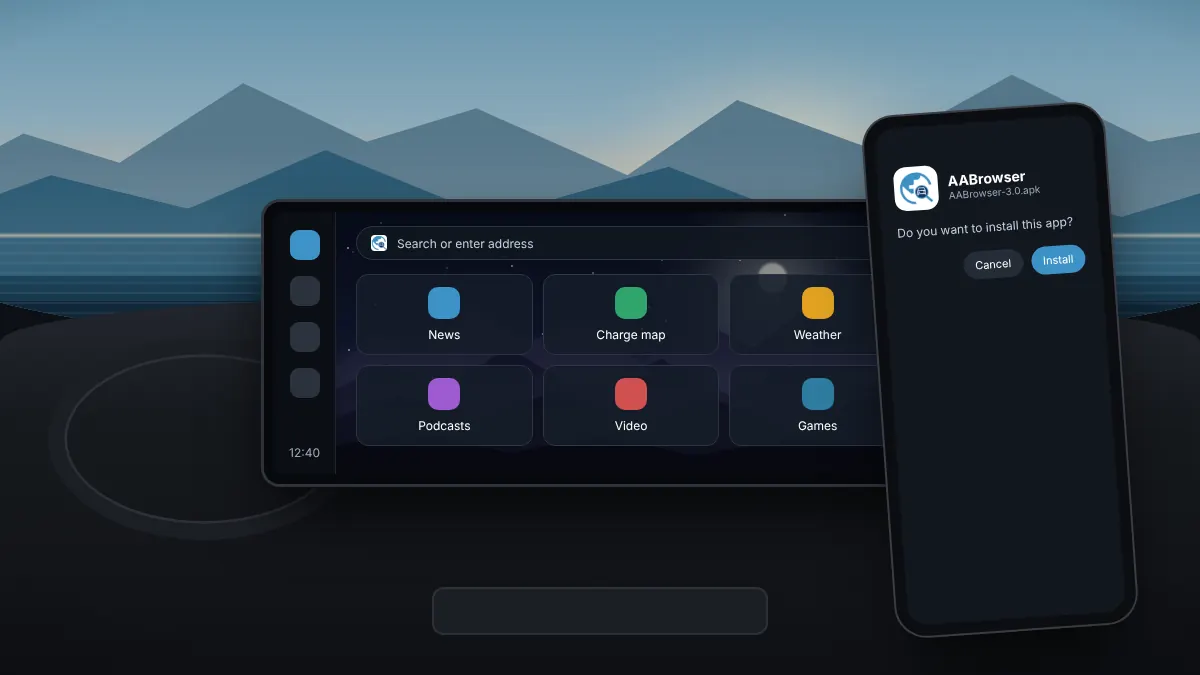
How to Install AABrowser on Your Phone for Android Auto
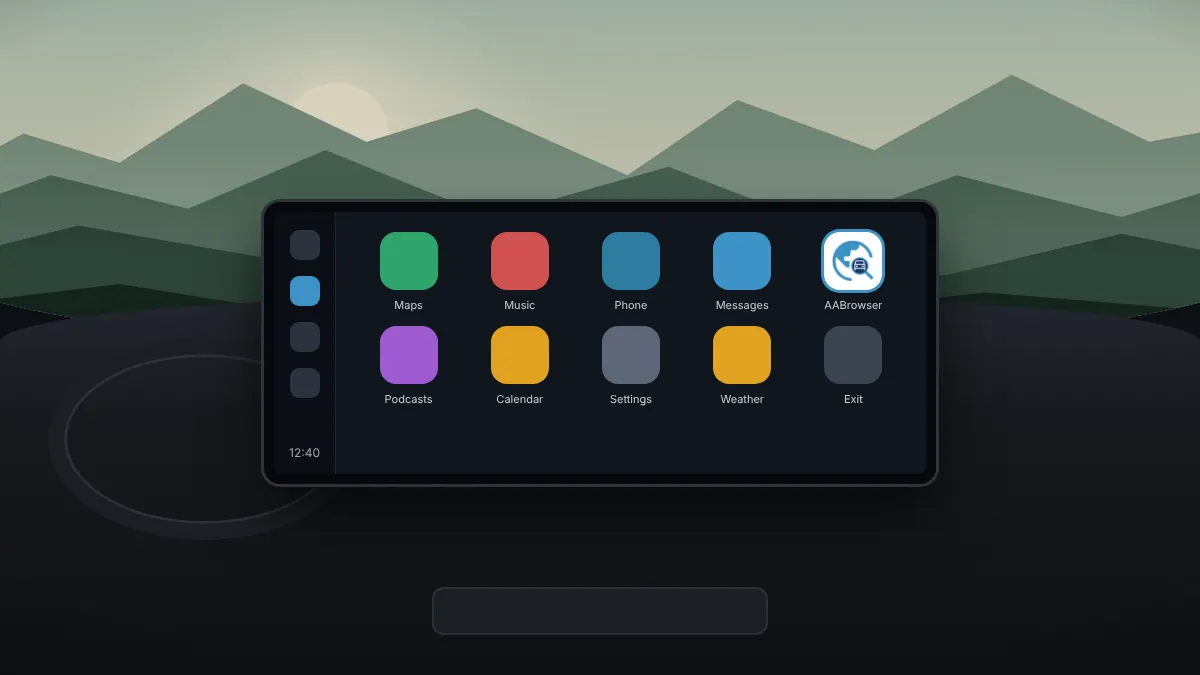
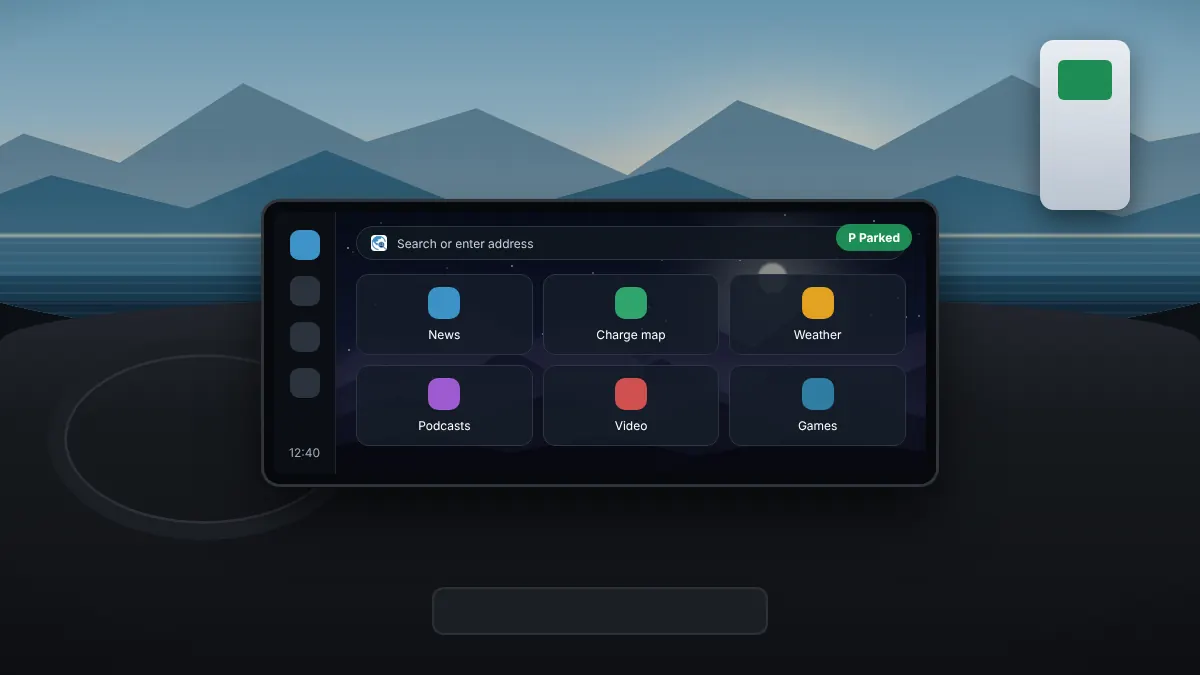
From downloading the official APK to seeing the browser on your car's screen, in one sitting.
Read fullEverything you need to install AABrowser, get it showing on your car screen and use it safely, from unknown sources to video and updates.
From downloading the official APK to seeing the browser on your car's screen, in one sitting.
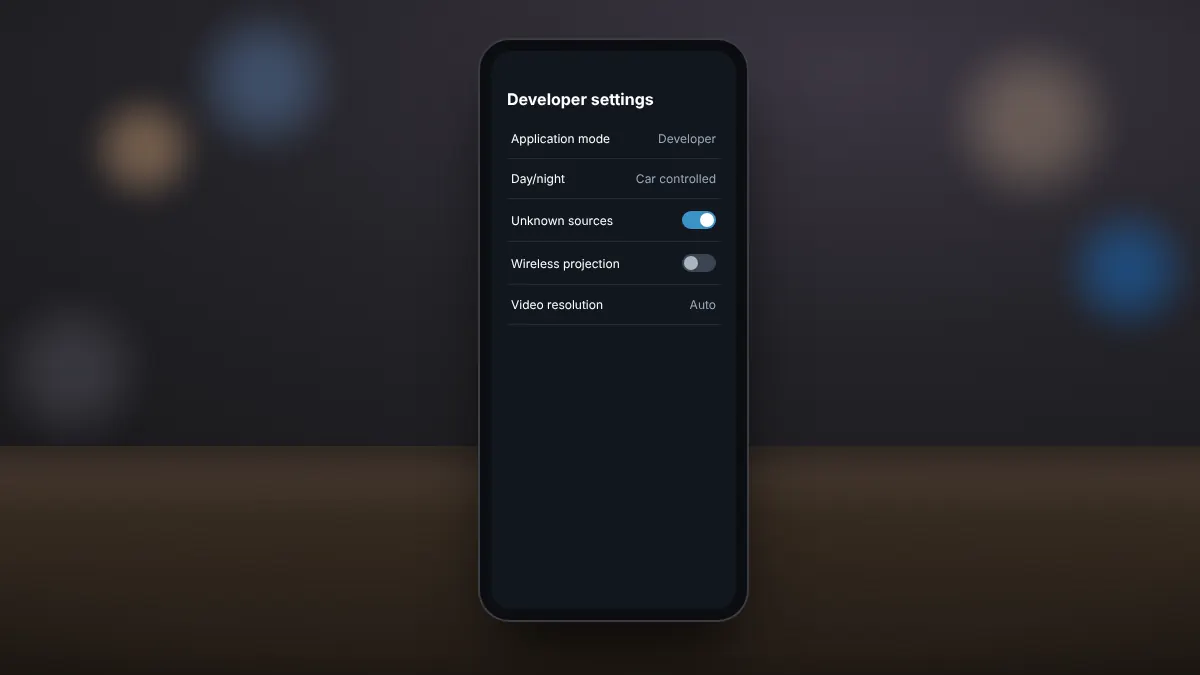
Read fullUnlock the hidden developer menu and allow sideloaded apps to appear on the car screen.
Read fullA step-by-step checklist for when the browser is missing from the car screen or will not open.
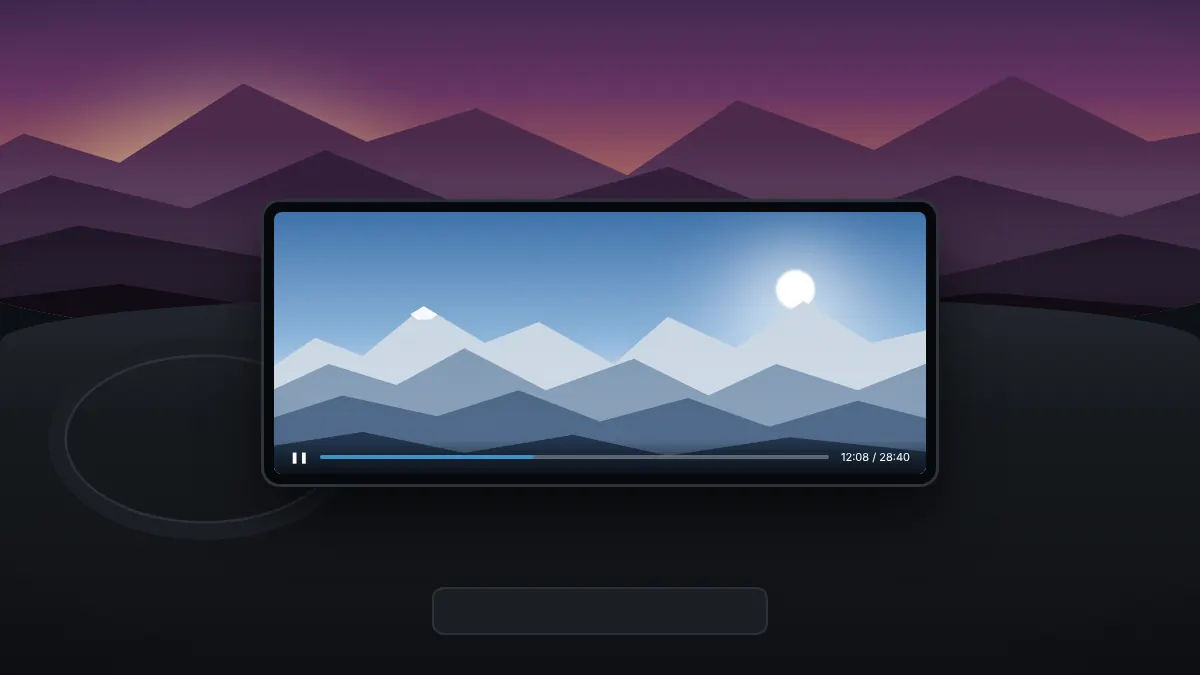
Read fullFix black screens on streaming sites, go fullscreen and keep playback smooth while parked.
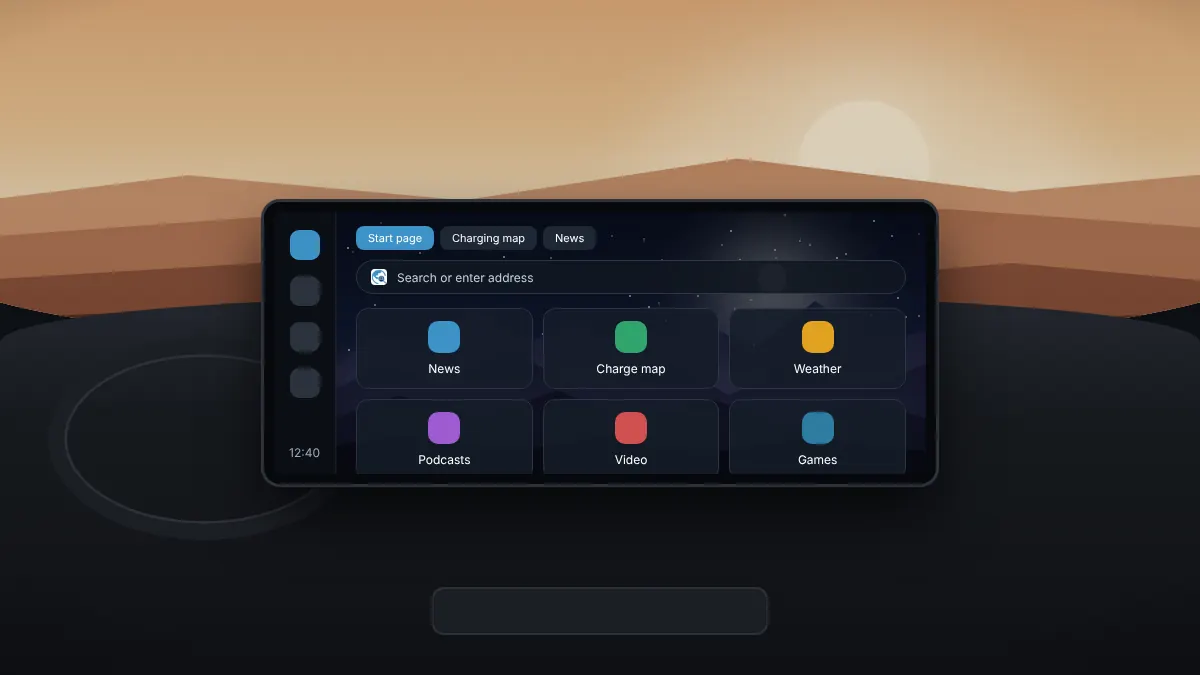
Read fullSet up quick links, organise tabs and keep your favourite sites one tap away.
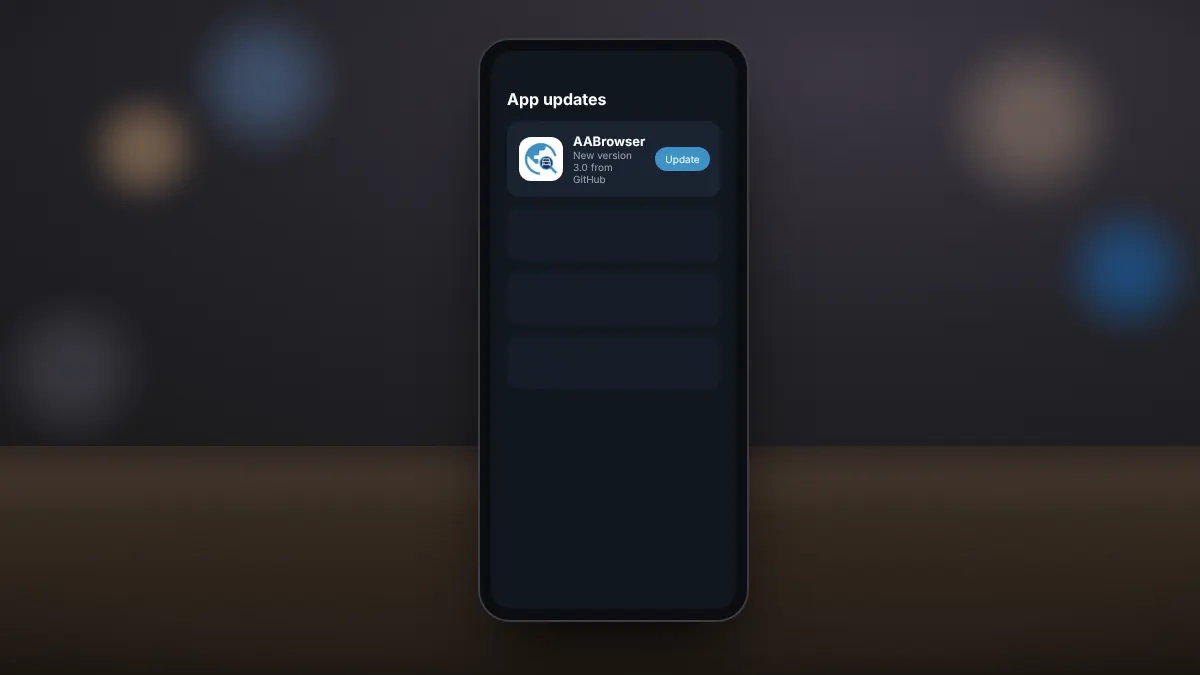
Read fullGet new versions straight from the official source without checking for updates by hand.
Read fullWhen browsing on the car screen makes sense, and the habits that keep everyone safe.
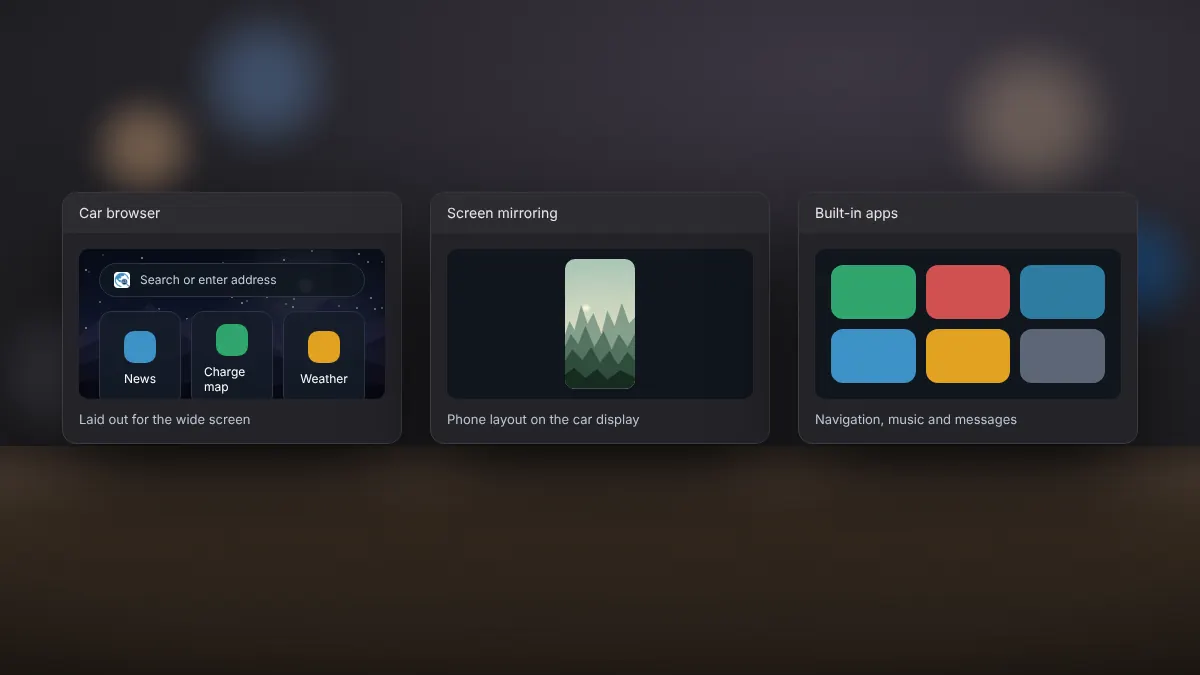
Read fullHow a dedicated car browser compares with mirroring apps and the built-in options.
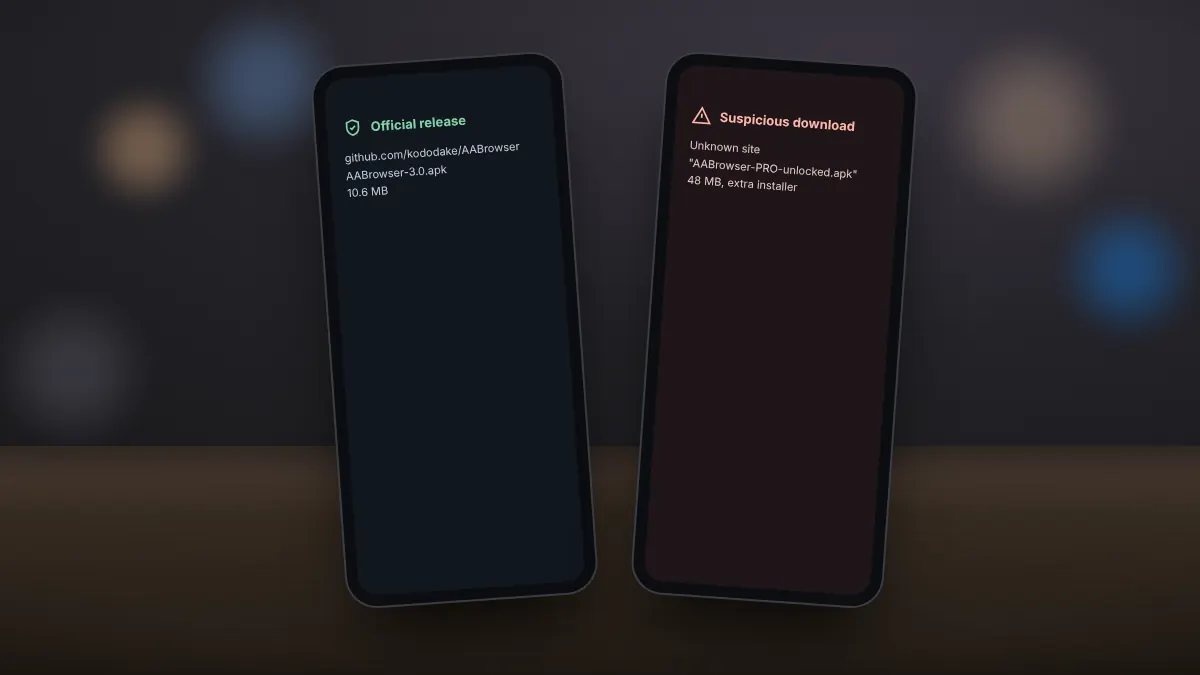
Read fullWhere the genuine APK comes from, and how to recognise impersonating sites and altered files.
Read full