How to Install AABrowser on Your Phone for Android Auto
From downloading the official APK to seeing the browser on your car's screen, in one sitting.
Read full Free and open source · Version 3.0
Check opening hours at a charging stop, read the news on a lunch break, or let passengers stream a video, all on the car's big display instead of a phone. This independent guide gives you the official download, a clear setup walkthrough and tips for safe, parked use.
Made for passengers and parked use. Never use AABrowser while driving.
A large screen and a comfortable seat make the car a good place to browse, as long as the car is not moving.
Pass the time during a 30-minute charge: catch up on news, check the next charger along the route or watch a short video.
Look up restaurant menus, opening hours or attraction details on a screen that is easier to read than a phone.
Passengers can use the browser games in the default bookmarks or look things up while the screen stays out of the driver's attention.
Electric car owners tend to get the most from it. A typical rapid charge takes 20 to 40 minutes, and the car screen is far more comfortable for reading or watching than a phone held at arm's length. Because the car is switched on but parked, the head unit stays powered without draining much from the battery, and you can check the charging app or the next stop on your route without leaving your seat.
For families, the default bookmarks include simple browser games with solo and two-player modes. They keep passengers busy during breaks, and because they run in the browser there is nothing extra to install on the phone.
Unmodified copy of the official file from the developer's GitHub release
Watching video on the car screen is one of the most popular uses of AABrowser during charging stops and breaks. Version 3.0 added two settings that make it far more reliable.
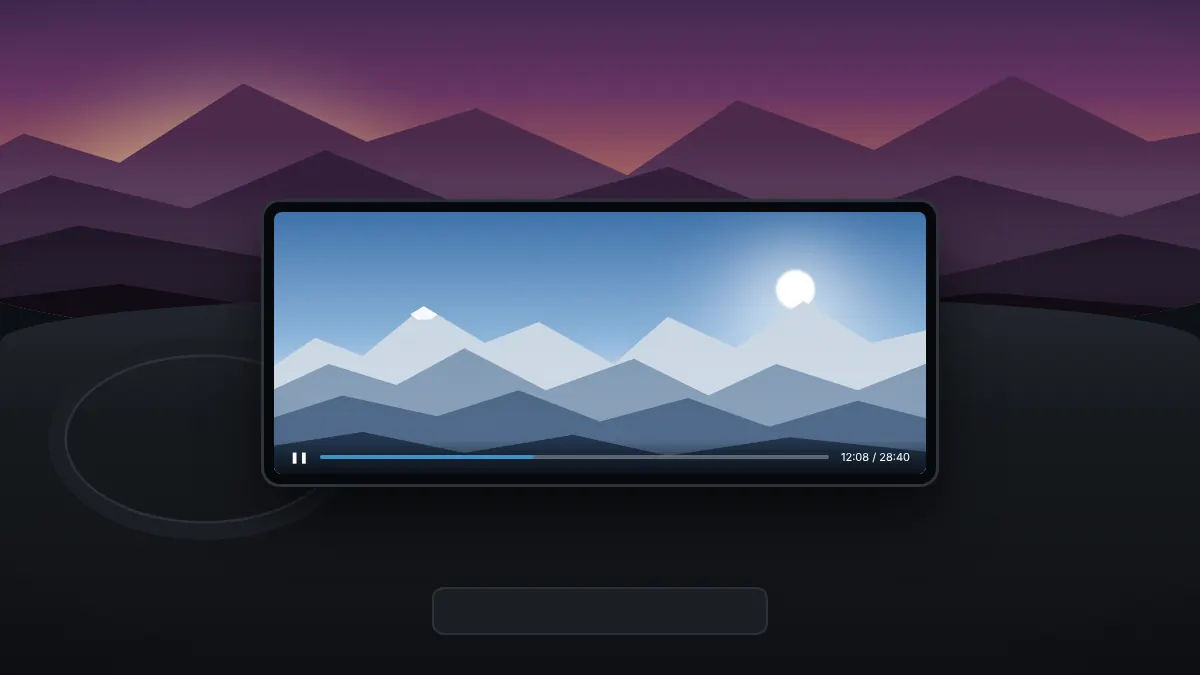
Many streaming sites protect video with DRM. On car head units this can play sound over a black picture. Switching on the Widevine L3 setting fixes playback on most head units and external screens.
One tap hides Android Auto's system bars for an edge-to-edge picture. Tap again to bring them back when you need navigation or music.
If a video site shows a cramped phone layout, switch to desktop mode from the menu for a layout that suits the wide display.
Video should only ever be on screen while the car is parked or when the screen is used by a passenger and out of the driver's attention. More playback tips are in our video guide.
AABrowser runs on your phone and displays on the car screen through Android Auto. These are the requirements published by the developer and what they mean in practice.
| Item | Requirement | Notes |
|---|---|---|
| Phone | Android 15 or newer | Older versions may install but are not supported |
| Android Auto | Current version from Google Play | Developer settings must allow unknown sources |
| Car or head unit | Android Auto, wired or wireless | Works on factory screens and aftermarket units |
| Web engine | Android System WebView | Keep it updated from Google Play |
| Internet | Phone mobile data or hotspot | Video needs a steady 4G or 5G signal |
| Storage | About 30 MB | The APK itself is 10.6 MB |
Wireless Android Auto works the same way as a cable connection, although video can be smoother over a cable on some cars. If your head unit shows a black screen on streaming sites, the DRM setting described below usually solves it.
AABrowser is not in Google Play, so it is installed from its APK and then allowed in Android Auto. The whole process takes about ten minutes, and you only need to do it once.
Use the download button on this page to save AABrowser-3.0.apk, an unmodified copy of the official file from the developer's GitHub release.
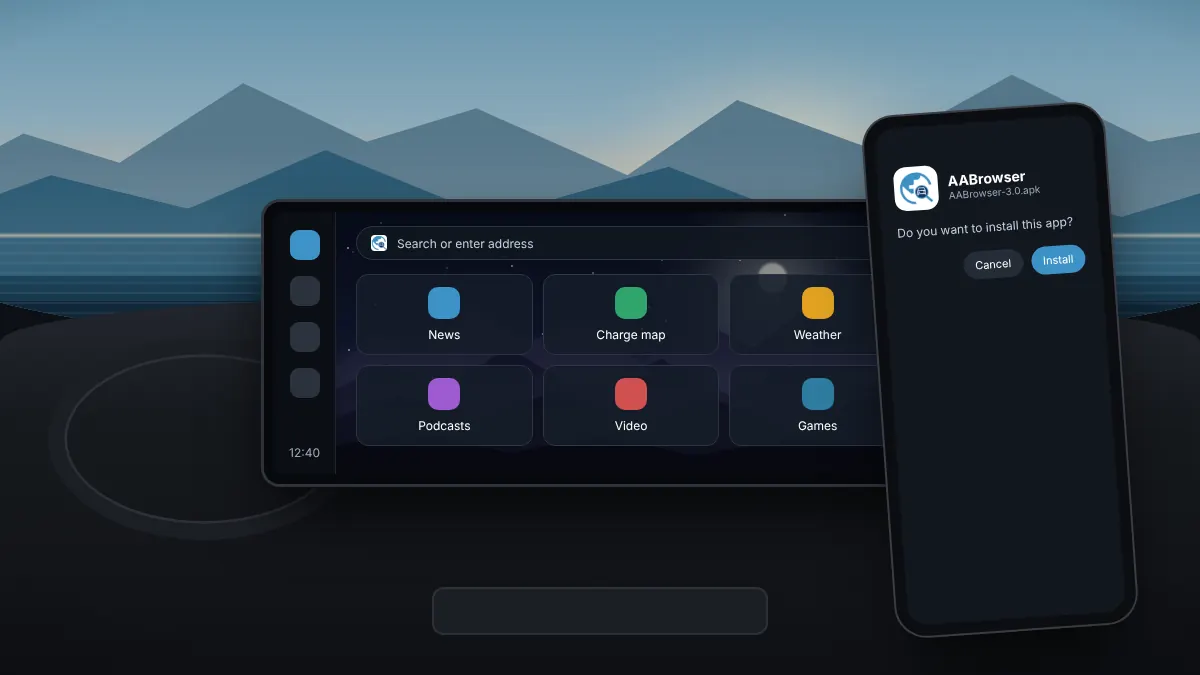
Open the file and allow your browser or file manager to install unknown apps, then select Install.
In Android Auto settings, tap Version ten times and confirm the prompt.
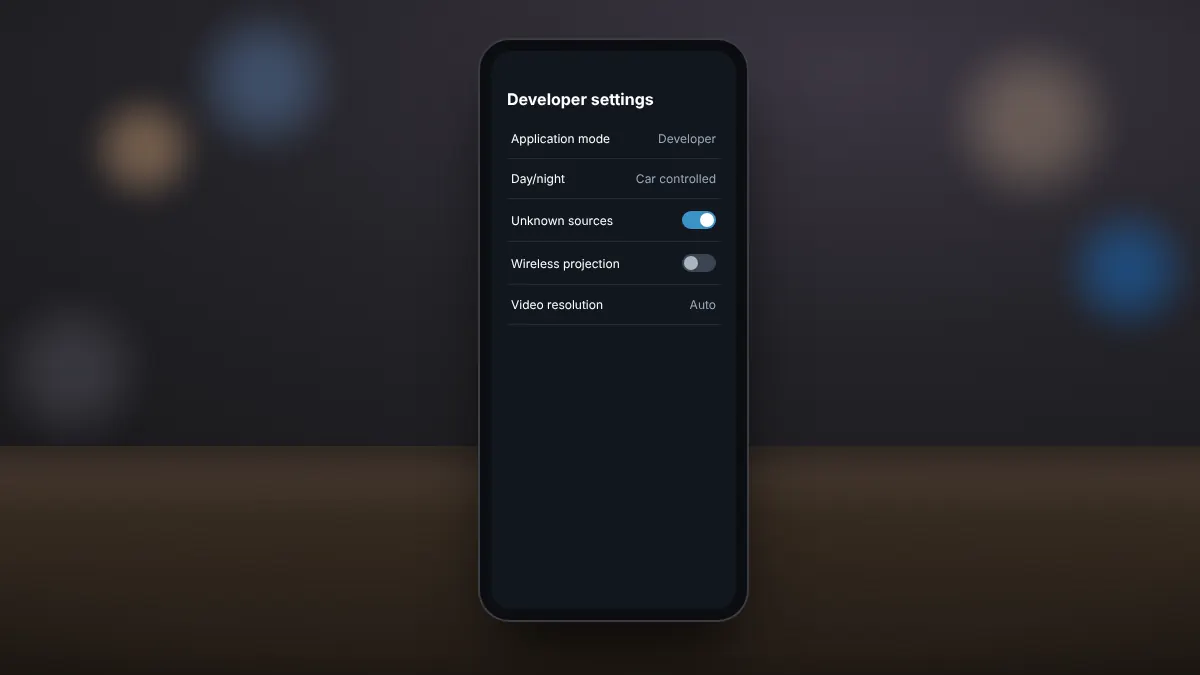
Open the three-dot menu, choose Developer settings and turn on Unknown sources.
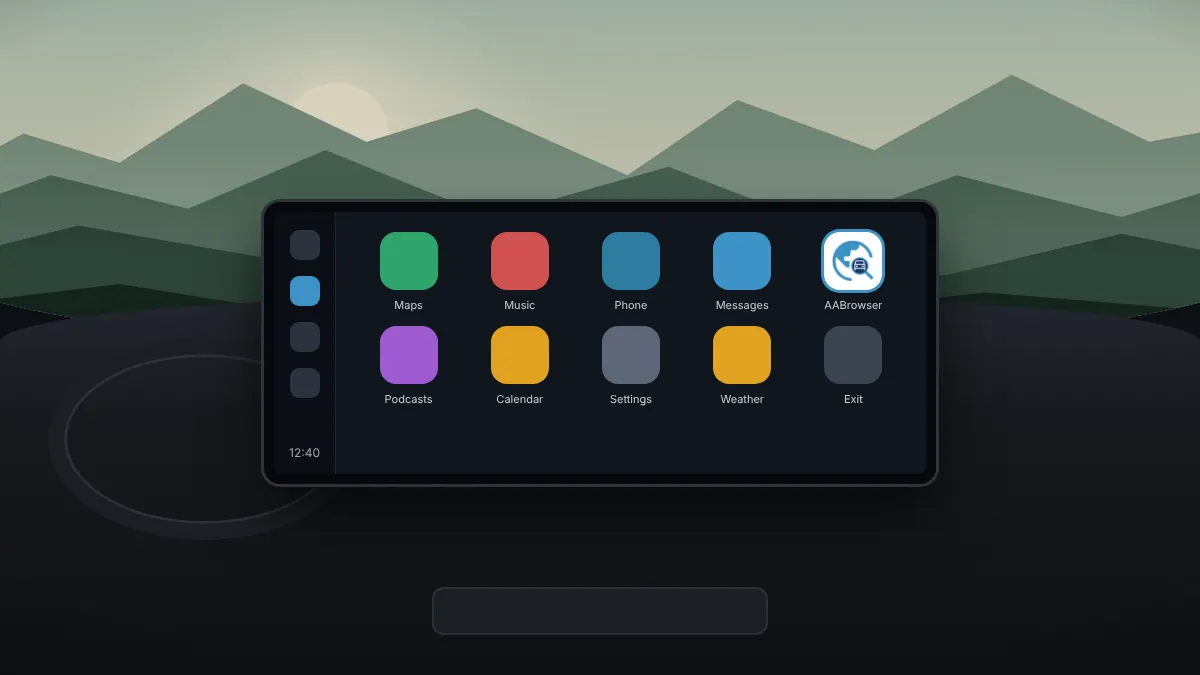
Plug in or connect wirelessly. AABrowser appears in the Android Auto launcher.
If AABrowser does not appear in the launcher after connecting, check that unknown sources is still switched on, since Android Auto updates can reset it. The developer also suggests opening a navigation app other than Google Maps, such as Waze, before launching AABrowser. Our troubleshooting guide covers every fix in order.
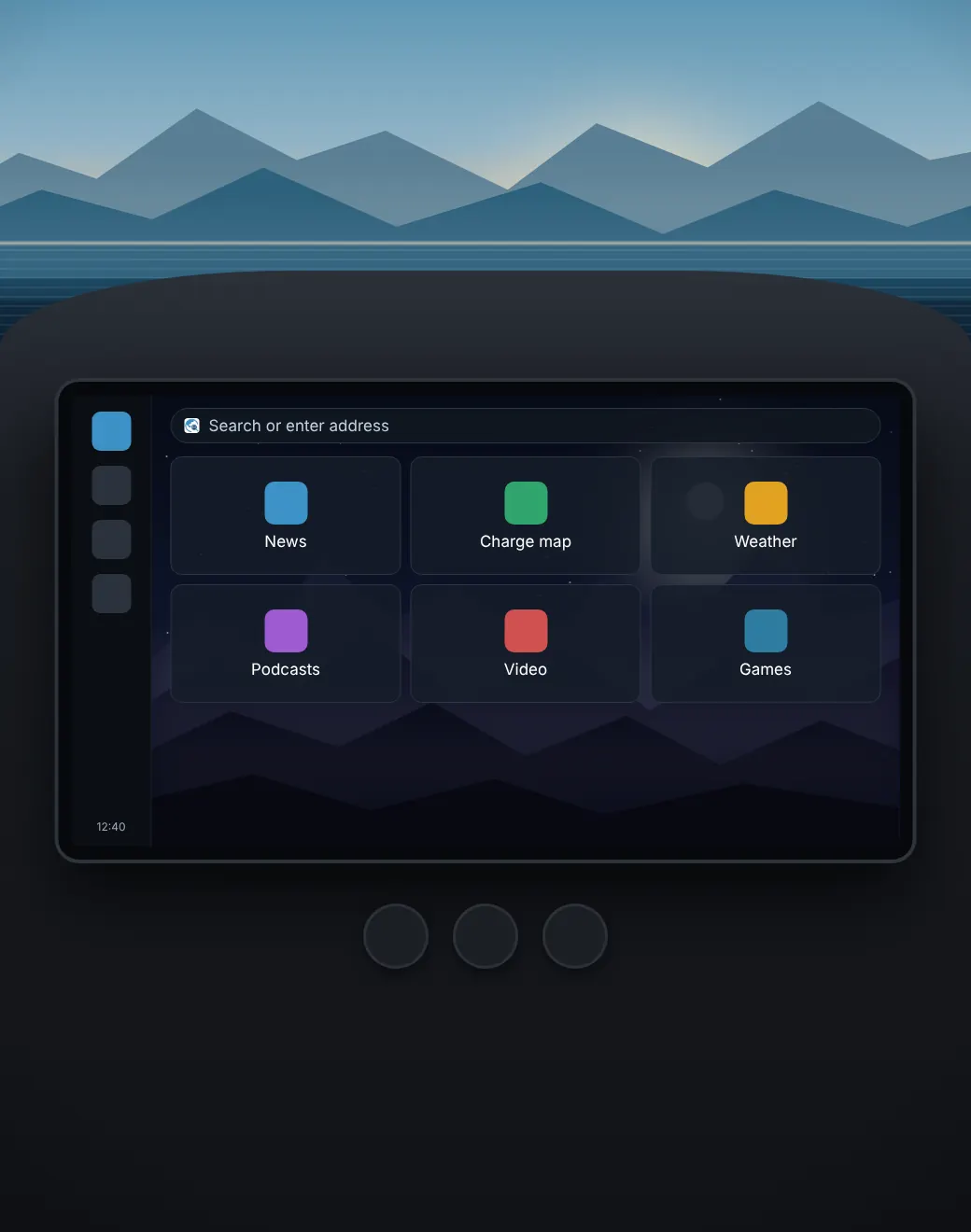
AABrowser is a WebView-based browser designed for the car display rather than a phone. Everything is sized for touch on a head unit and kept simple to use in a parked car.
A Material 3 interface sized for touch on wide head-unit displays, with a true-black dark theme for night use.
A setting forces Widevine L3 so protected streaming video plays on head units instead of showing a black screen.
Hide Android Auto's system bars for an edge-to-edge view, then bring them back with the same toggle.
Up to six quick-link tiles with cached icons, drag-and-drop reordering and your own background image.
Open, switch, close and restore tabs, and keep the sites you use most saved as bookmarks.
Switch the site layout when a page looks wrong on the car display, and scale the interface to taste.
Released under the GPL-3.0 licence, so the full source code is public on GitHub for anyone to review.
The developer reports only anonymous app-open events and version numbers, through self-hosted analytics.
Because it uses Android System WebView, websites render much as they do in a phone browser, and most sites work without any special setup. The car-specific additions are what make it comfortable: larger touch targets, a dark theme that keeps glare down at night, a start page that puts your most-used sites one tap away, and controls for switching between mobile and desktop layouts when a page does not fit the wide screen.
AABrowser is developed in the open by kododake and released under the GNU GPL-3.0 licence. Anyone can read the code, report issues or suggest improvements on GitHub.
The source code is public, so security researchers and other developers can check what the app does. Releases are published on the same repository, which is why our download links point there and nowhere else.
The GitHub repository is also the place to read release notes, report a bug or follow development. It is available at github.com/kododake/AABrowser.
According to the developer, the app uses self-hosted analytics that record only app-open events and version numbers, tied to an anonymous random ID. Websites you visit can still use their own cookies and tracking, as in any browser.
Ad blocking is not built in. If you visit sites with heavy advertising, choose lighter versions of those sites where available.
The developer's own guidance is simple: the driver should not look at the app. If you think you might be tempted while driving, it is better not to install it.
Many countries forbid drivers from watching video or using a screen for anything other than navigation while driving, with fines and licence points as penalties. The developer also warns that fake sites impersonating AABrowser exist and may spread malware; our guide to downloading safely shows how to recognise them.
Practical articles for the questions people ask most, from enabling unknown sources to fixing a missing app.
From downloading the official APK to seeing the browser on your car's screen, in one sitting.
Read fullUnlock the hidden developer menu and allow sideloaded apps to appear on the car screen.
Read fullA step-by-step checklist for when the browser is missing from the car screen or will not open.
Read fullQuick answers about AABrowser, installation, Android Auto settings, video and safe use.
AABrowser is a free, open-source web browser that runs on Android Auto head units. It lets passengers, or drivers while safely parked, browse websites and watch video on the car's screen.
Yes. It is free and open source under the GPL-3.0 licence. The developer accepts optional donations to support maintenance.
Google Play only allows approved app categories on Android Auto, and general web browsers are not among them. AABrowser is therefore installed from its APK file on GitHub.
The developer lists Android 15 or newer as the requirement. It works with cars and head units that support Android Auto, wired or wireless.
Enable developer mode in Android Auto settings by tapping Version ten times, then switch on Unknown sources in Developer settings and reconnect your phone.
Yes, while parked. If a streaming site shows a black screen, turn on the setting that forces Widevine L3 DRM, and use the fullscreen toggle for an edge-to-edge picture.
No. It is designed for passengers and parked use. Many countries prohibit drivers from watching video or browsing while the car is moving.
Download the latest APK and install it over the old version, or use Obtainium to fetch new releases automatically from the official GitHub repository.
The download button serves AABrowser-3.0.apk from this site. It is an unmodified copy of the official file on the developer's GitHub release, byte for byte identical (SHA-256: 68b3a5751910607ac0210066a258ae7ae0bdb43d896ca6d900926da91b7d1e82). We do not repackage or alter it.
No. aabrowser.org is an independent guide and is not affiliated with the developer. The official source is the kododake/AABrowser repository on GitHub.