 AABrowser
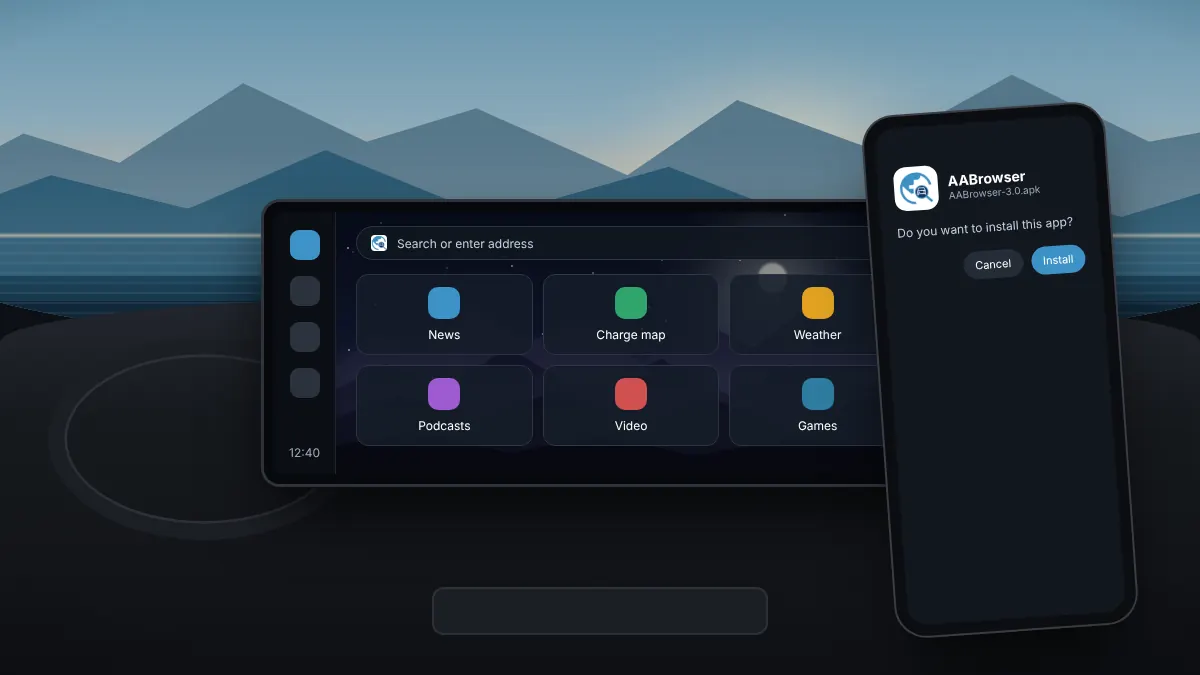
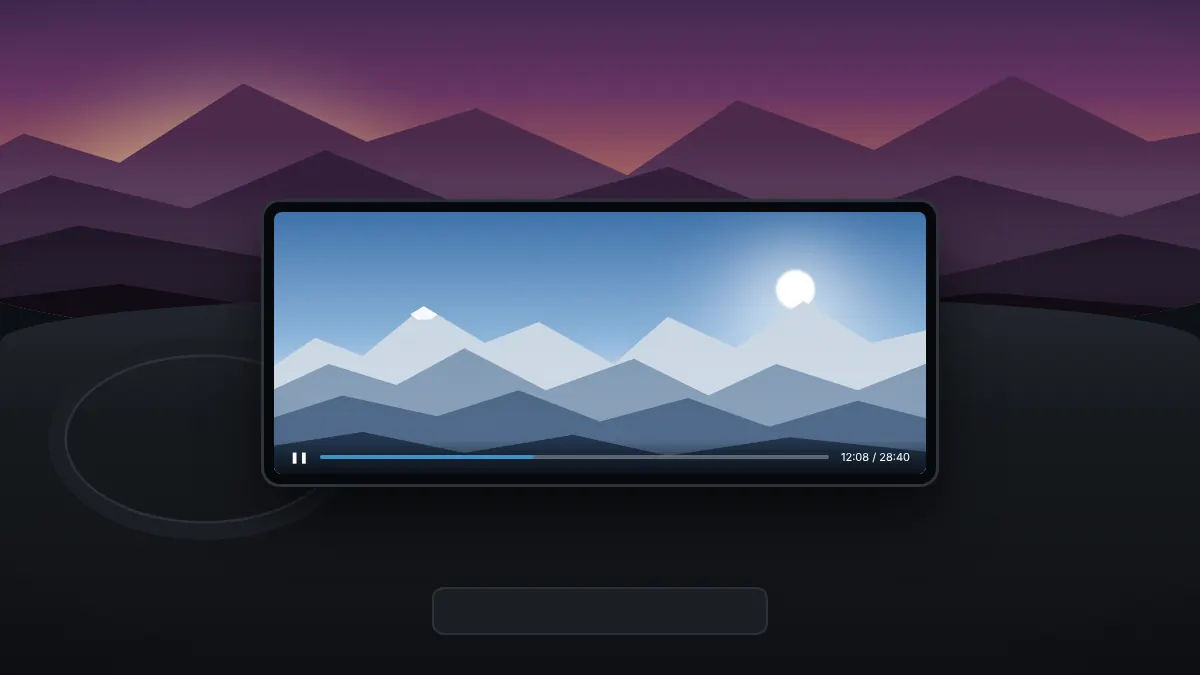
AABrowser is an open-source web browser that runs on your car's Android Auto screen. It is not available in Google Play, so you install it from its APK file and then allow Android Auto to show apps from unknown sources. The whole process takes about ten minutes.
Before you start
- An Android phone running Android 15 or newer.
- The Android Auto app, updated from Google Play.
- A car or head unit with Android Auto, wired or wireless.
Step 1: Download the APK
Use the download button on our homepage. It downloads the official APK published by the developer on GitHub straight to your phone's Downloads folder.
Step 2: Allow the install
- Open the downloaded file from your notifications or the Files app.
- Android asks whether your browser or file manager may install unknown apps. Allow it for that app only.
- Go back and select Install.
Google Play Protect may show a warning because the app did not come from Play. Check that you downloaded it from the official source, then continue.
Step 3: Enable unknown sources in Android Auto
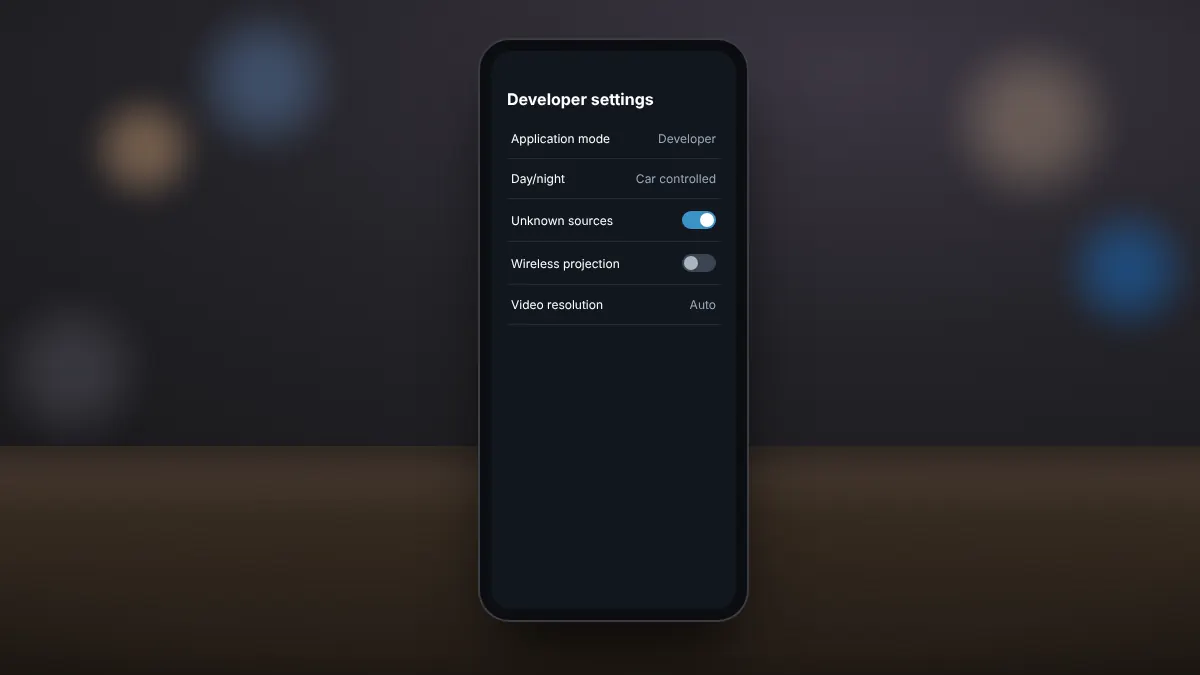
Android Auto hides apps that were not installed from Google Play until you enable developer settings. Open Android Auto settings, tap Version ten times to unlock developer mode, open the three-dot menu, choose Developer settings and switch on Unknown sources. Our separate guide explains each screen in detail.
Step 4: Open it in the car
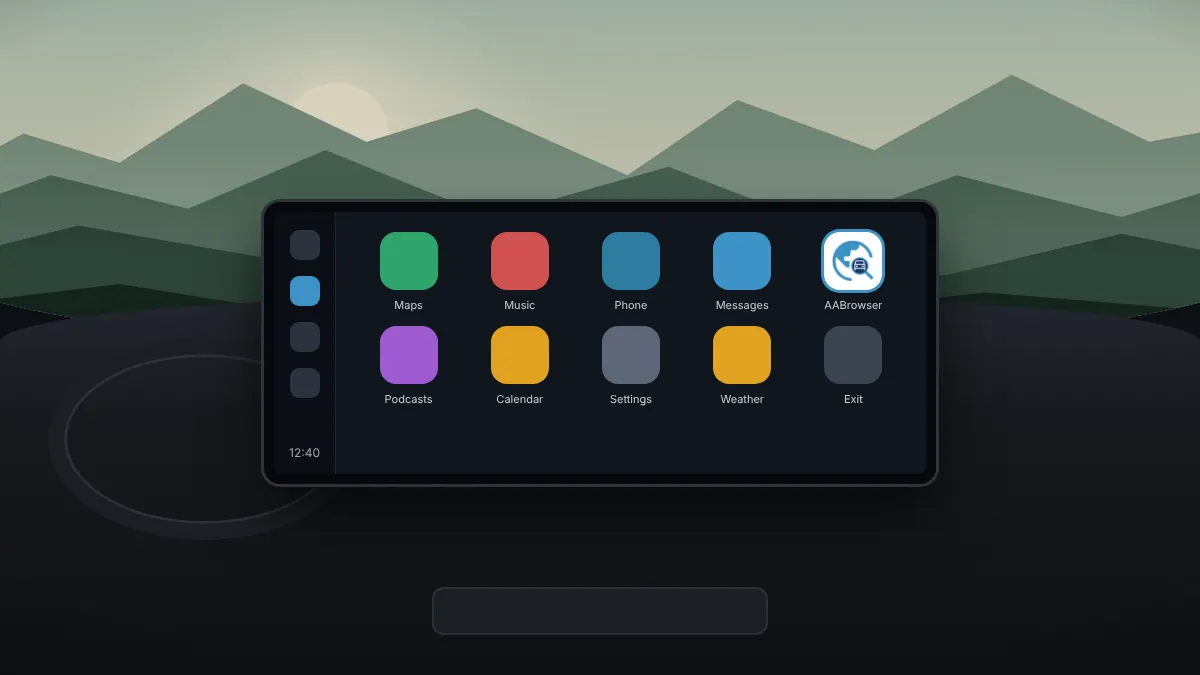
Connect your phone to the car. AABrowser now appears in the Android Auto app launcher. Select it to open the start page.
If it does not appear
- Check that unknown sources is still switched on in Android Auto developer settings.
- Disconnect and reconnect the phone, or restart the head unit.
- The developer suggests opening a navigation app other than Google Maps, such as Waze, first, then launching AABrowser.