 AABrowser
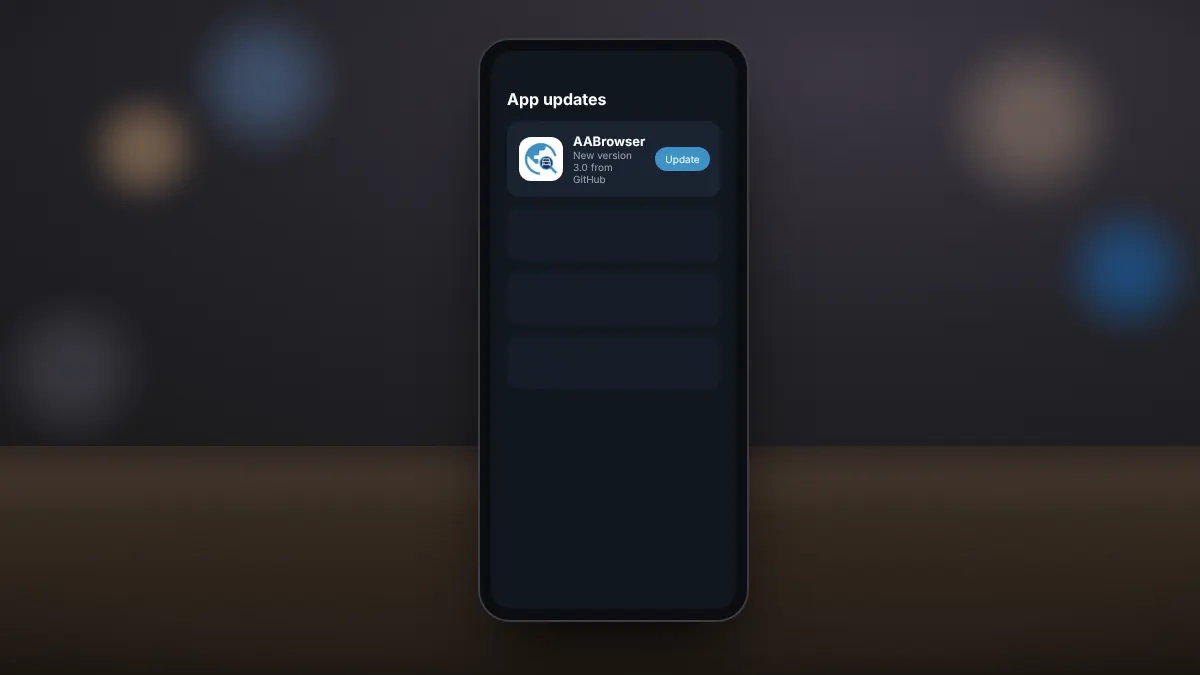
Because AABrowser is installed from an APK rather than Google Play, it does not update automatically. The developer recommends Obtainium, a free app that checks official sources such as GitHub and installs new releases for you.
What Obtainium does
Obtainium watches the release page of an app's official repository. When a new version appears, it notifies you and downloads the APK directly from the source, with no third-party mirror in between.
Setting it up
- Install Obtainium from its official source.
- Open it and choose to add an app.
- Enter the address of the AABrowser GitHub repository, github.com/kododake/AABrowser.
- Confirm. Obtainium detects the installed version and tracks future releases.
Updating by hand
If you prefer not to use another app, download the latest APK from our homepage or the GitHub releases page and install it over the existing version. Your settings and bookmarks are kept.
After updating
- Reconnect to the car and check that AABrowser still appears.
- Read the release notes for new settings, such as the DRM and fullscreen options added in version 3.0.
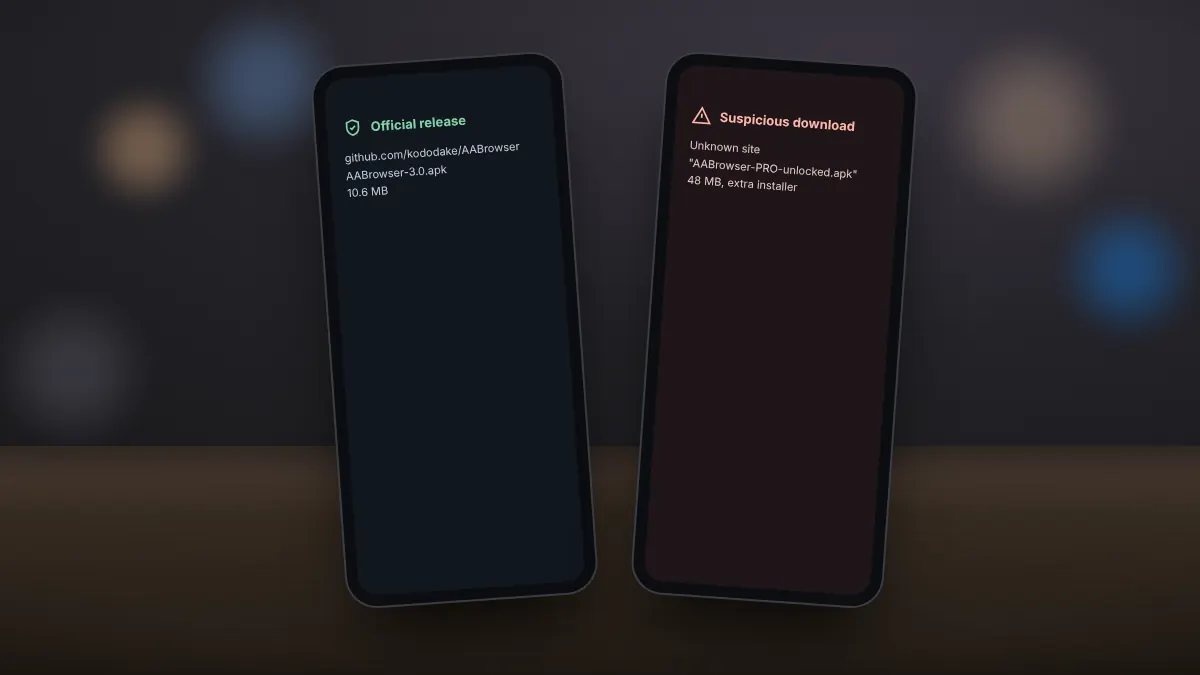
Install updates only from the official GitHub repository or tools that read from it. Unofficial mirrors may carry altered files.