 AABrowser
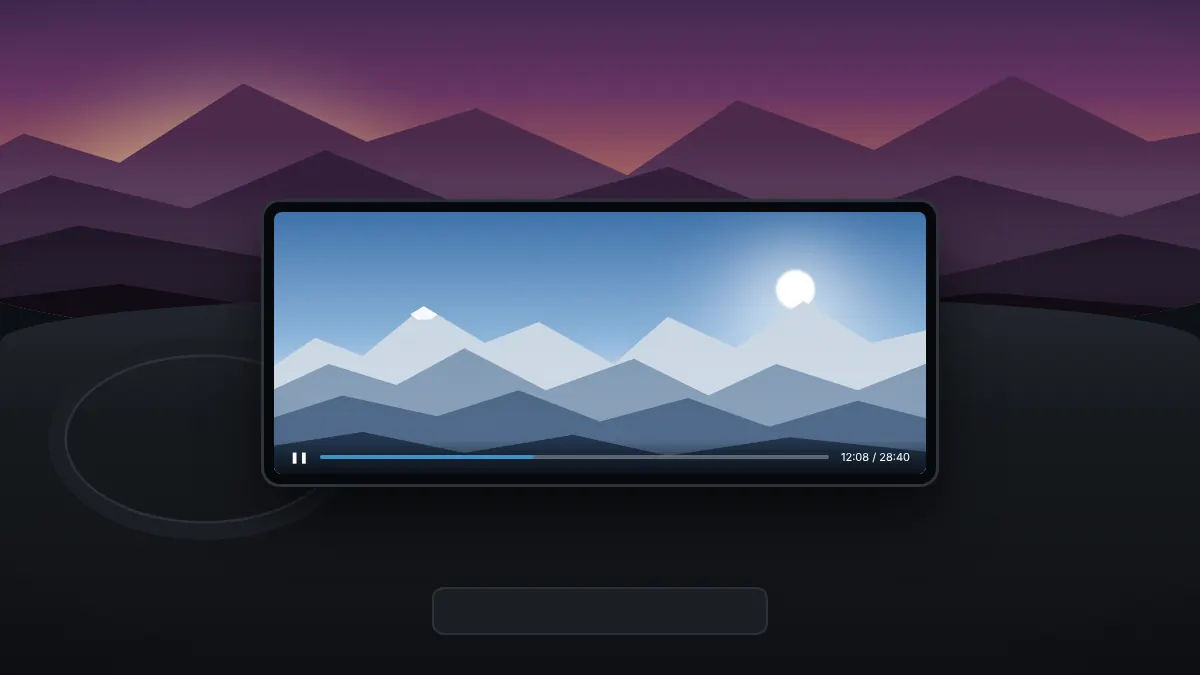
Many people install AABrowser to watch videos on the car screen while waiting, for example during a charging stop or while parked for lunch. A few settings make the experience much smoother.
Fixing black screens on streaming sites
Some video sites use DRM protection, which can play sound with a black picture on car head units. AABrowser includes a setting that forces Widevine L3, a level of DRM support that works on most head units and external screens. Turn it on in the app's settings and reload the page.
Using fullscreen
The menu includes a fullscreen toggle that hides Android Auto's system bars for an edge-to-edge picture. Switch it off to bring the bars back when you need other apps.
Mobile or desktop mode
Websites designed for phones may look cramped or oversized on a wide car display. Switch to desktop mode from the menu if a site shows the wrong layout, and adjust the interface scale for comfortable reading.
Smooth playback
- Use your phone's mobile data or a strong Wi-Fi hotspot.
- Choose a lower video quality on the website if playback stalls.
- Keep the phone cool and charging, as streaming uses battery quickly.
Audio
Sound plays through the car's speakers like any other Android Auto media. Use the car's volume controls to adjust it.