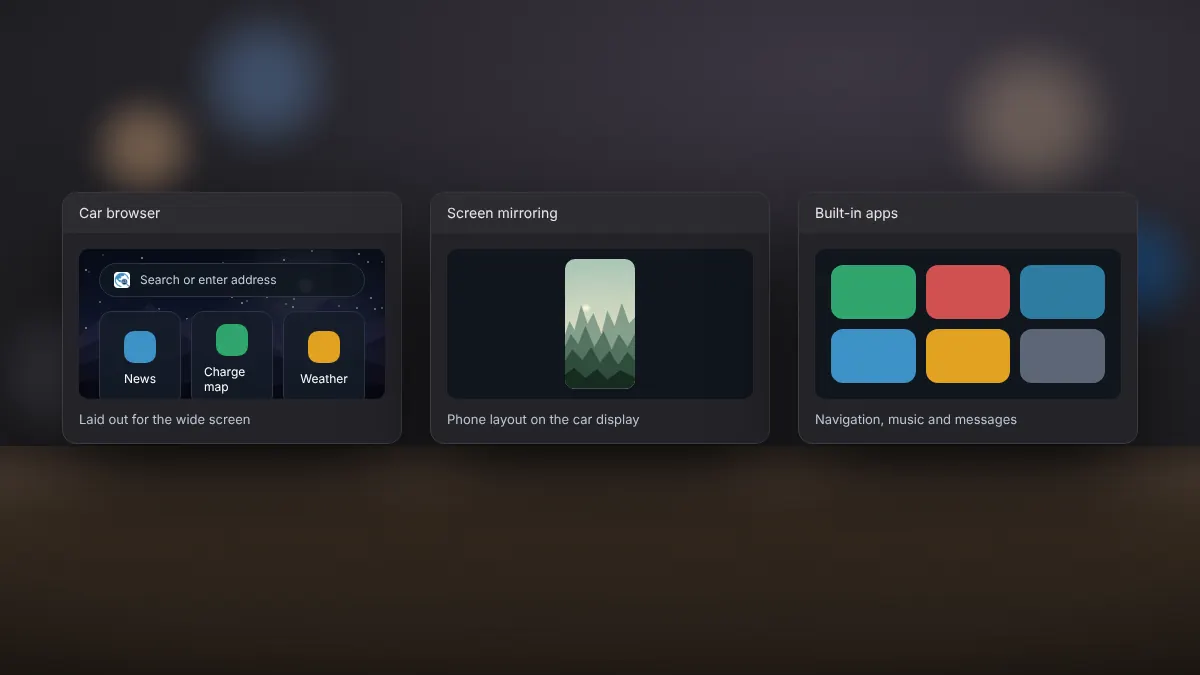
 AABrowser
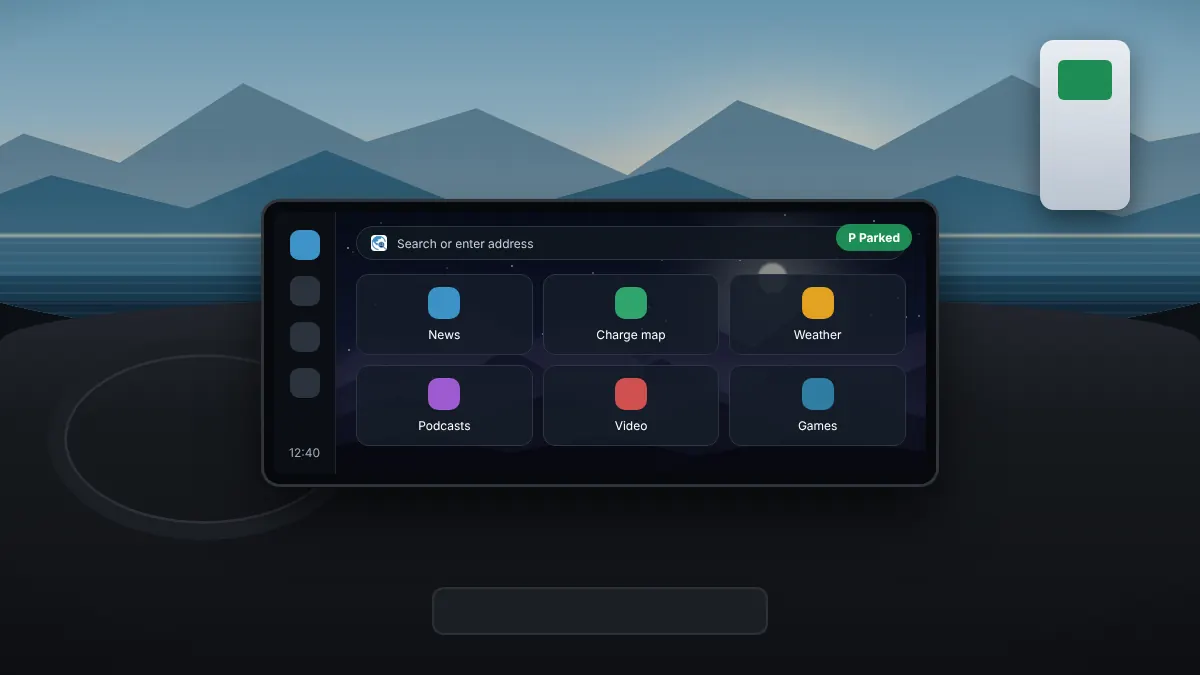
AABrowser puts a full web browser on a screen that sits in the driver's line of sight. That is useful in the right situation and dangerous in the wrong one. The developer is clear: the driver should not look at the app while driving.
Good times to use it
- Waiting at an EV charging station.
- Parked for a break on a long trip.
- Passengers checking information while someone else drives, with the screen out of the driver's attention.
- Reading a manual or checking opening hours before you set off.
When not to use it
- Any time the car is moving and the driver can see the screen.
- In traffic queues or at traffic lights.
- When you feel tempted to glance at it while driving. In that case, the developer asks users to uninstall it.
The law
Many countries forbid drivers from watching video or using a screen for anything other than navigation and vehicle information while driving. Penalties can include fines and licence points. Check the rules where you drive.
Practical habits
- Close AABrowser before you start driving.
- Switch to your navigation app as the last step before moving off.
- Set up bookmarks and the start page on the phone, not on the car screen.
Nothing on a web page is worth an accident. Treat AABrowser as a parked-car tool.