 AABrowser
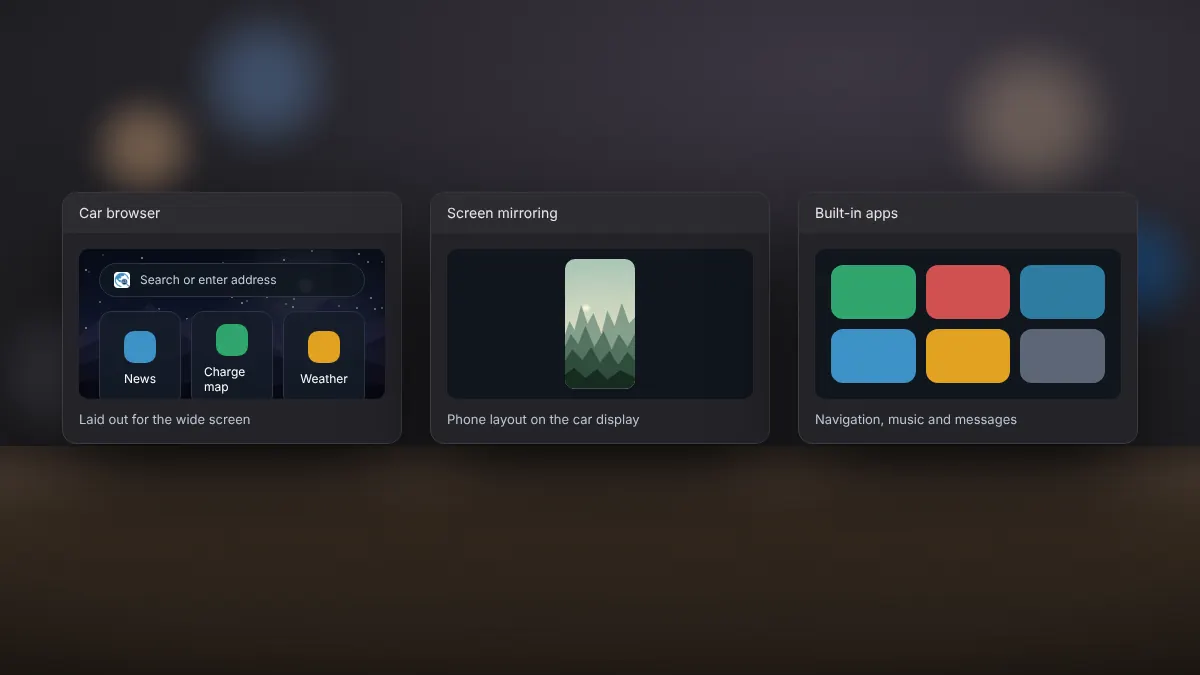
There are a few ways to see web content on an Android Auto screen. Each has strengths, and the right choice depends on what you want to do while parked.
Side by side
| Option | What it does | Trade-offs |
|---|---|---|
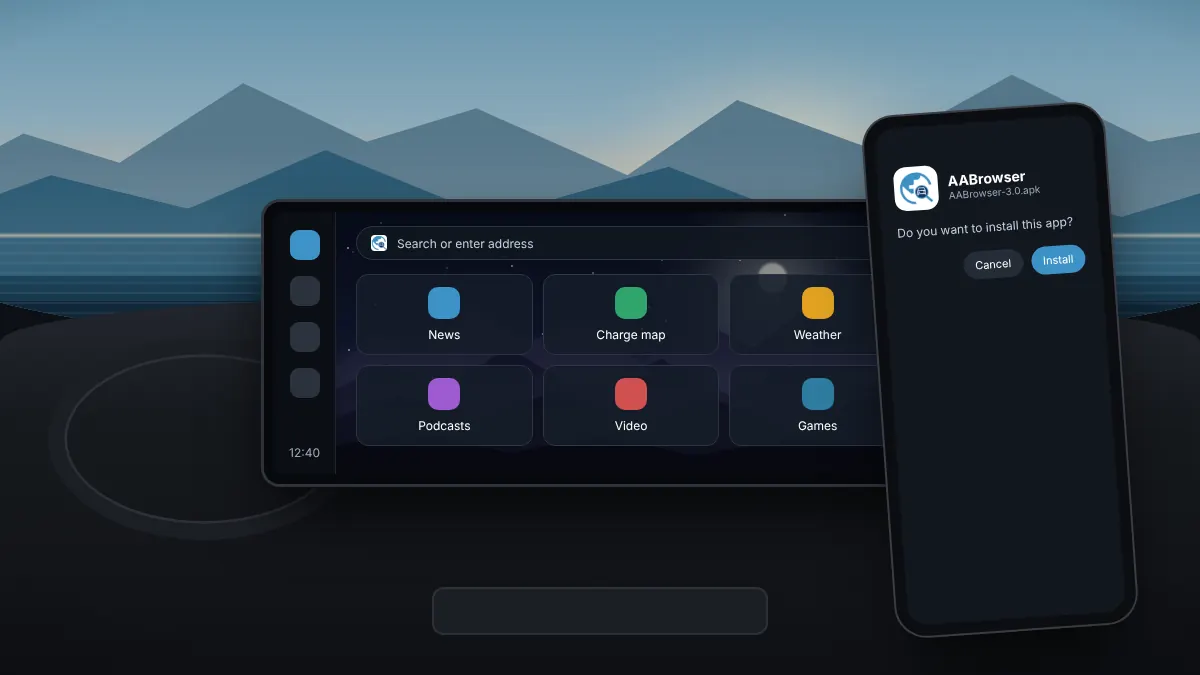
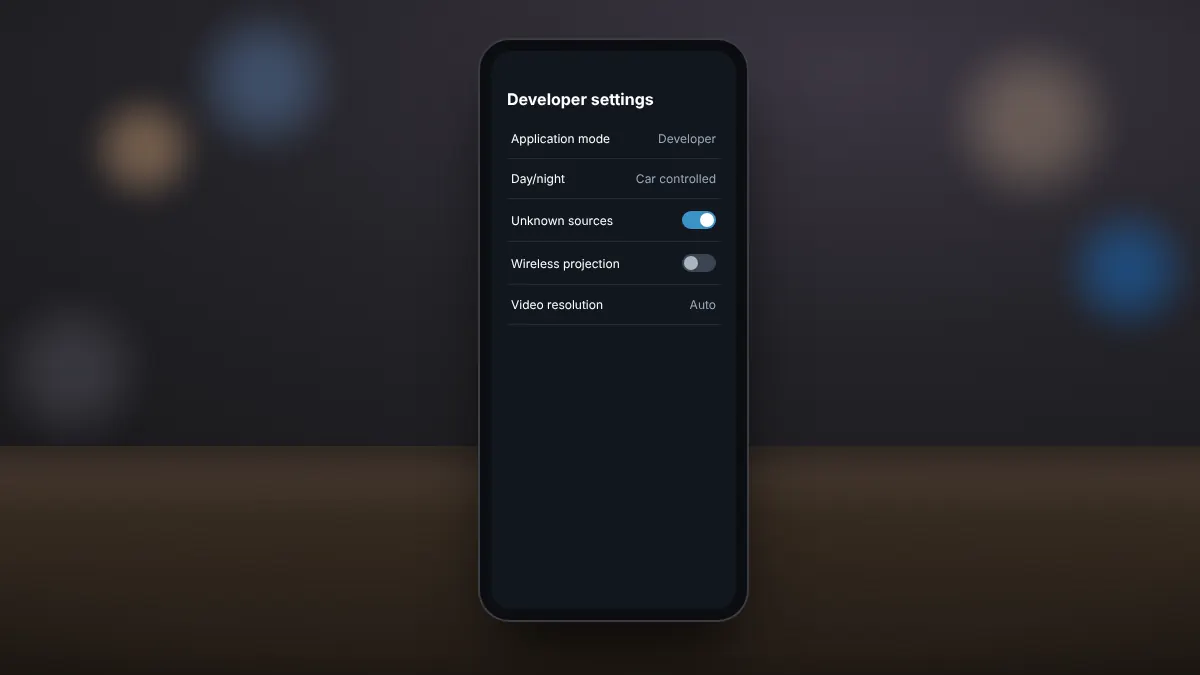
| AABrowser | A full browser built for the car screen, with tabs, bookmarks and DRM video | Needs sideloading and unknown sources |
| Screen mirroring apps | Copy the whole phone screen to the car display | Small text, phone layout, often extra setup steps |
| Built-in Android Auto apps | Navigation, music, messaging and approved apps | No general web browsing |
Why choose AABrowser
- Pages are laid out for the wide car display, not a phone.
- The interface is built for touch on a head unit.
- It is open source under the GPL-3.0 licence, so its code is public.
When mirroring makes more sense
If you need a specific phone app on the car screen, rather than a website, a mirroring tool is the only way. Expect a cramped layout and more setup.
When the built-in apps are enough
For navigation, music and messages, the approved Android Auto apps are the safest and simplest choice. They are designed to be used while driving, with limited distraction.
Whichever option you choose, keep browsing and video for when the car is parked.