 AABrowser
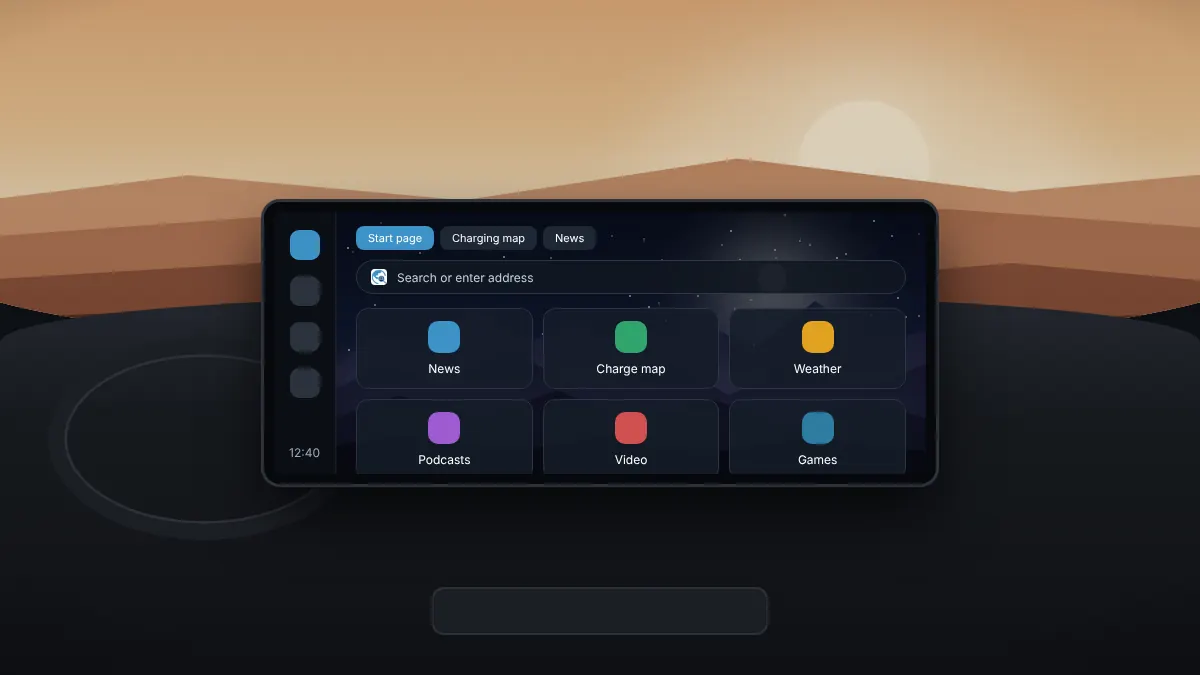
A well-organised start page means fewer taps on the car screen. AABrowser gives you quick-link tiles, tabs and bookmarks, all designed for a touch display.
Quick-link tiles
The start page holds up to six quick-link tiles. Add the sites you open most, such as a news site, a podcast player or a charging map. Site icons are cached, so the tiles load quickly even on a slow connection.
Reordering tiles
Press and hold a tile, then drag it into a new position. Put the site you use most in the first spot, closest to your hand.
Changing the background
Choose a custom background image for the start page. A darker image keeps glare low at night, and the true-black dark theme helps on OLED displays.
Working with tabs
- Open a new tab from the menu to keep several pages ready.
- Switch between tabs from the tab view.
- Close tabs you no longer need, or restore one you closed by mistake.
Bookmarks
Save pages you want to return to as bookmarks. The default bookmarks include a selection of browser games with solo and two-player modes, handy for passengers on long trips.