 AABrowser
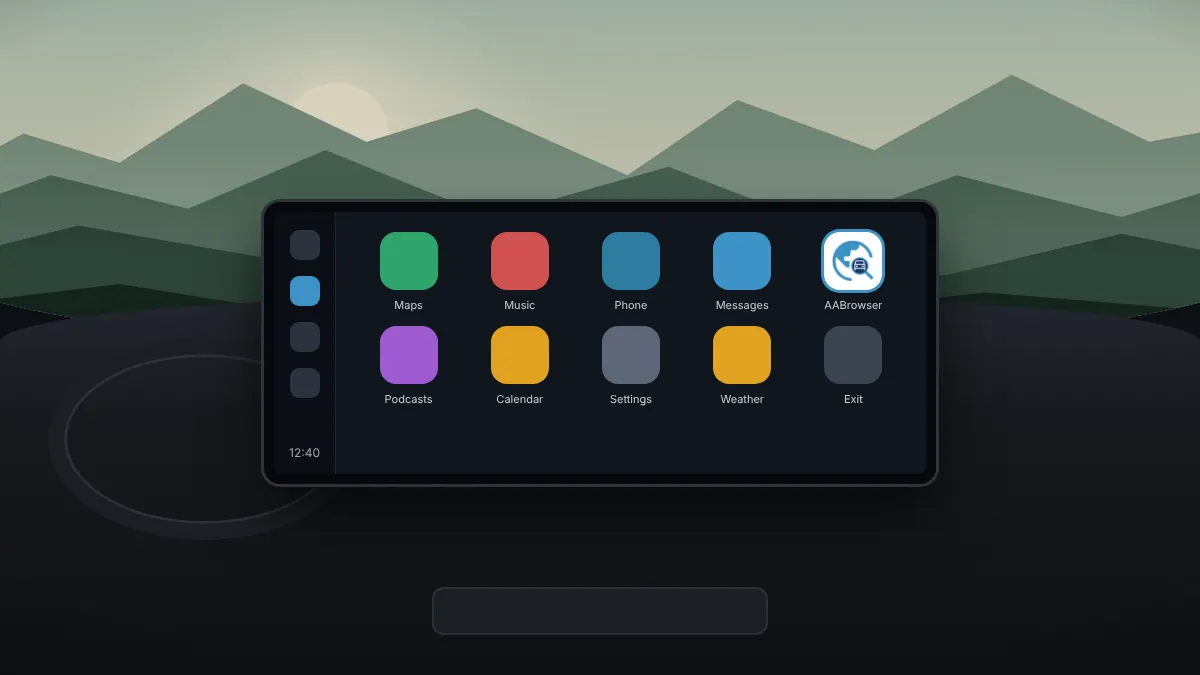
Sideloaded apps sometimes fail to appear on the Android Auto screen, especially after an update to Android Auto or the phone. These fixes cover almost every case.
1. Check unknown sources
Android Auto updates can switch developer settings back off. Open Android Auto settings, then Developer settings, and confirm that Unknown sources is on. If the developer menu has disappeared, unlock it again by tapping Version ten times.
2. Confirm your Android version
AABrowser requires Android 15 or newer on the phone. On older versions the app may install but not run correctly.
3. Reconnect and restart
- Unplug the cable or turn off wireless Android Auto, then reconnect.
- Restart the phone.
- Turn the car or head unit off and on again.
4. Try the navigation app trick
The developer notes that if the app does not launch, opening a navigation app other than Google Maps, such as Waze, first can help. Start that app on the car screen, then open AABrowser.
5. Update everything
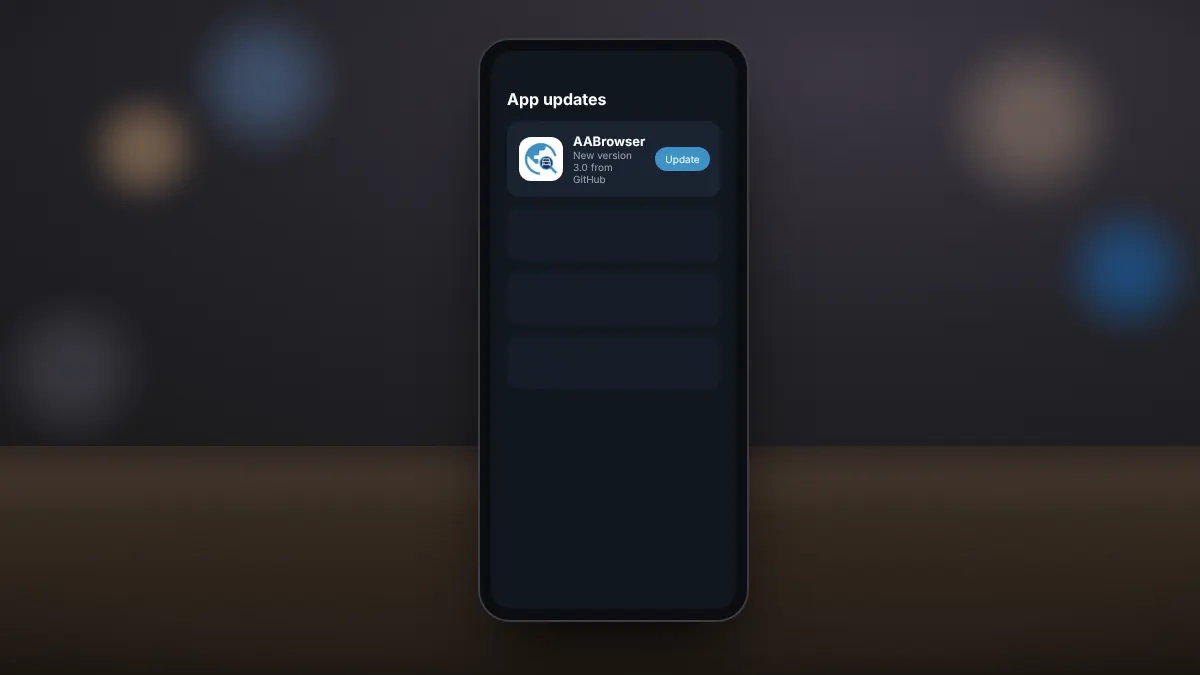
Update Android Auto and Android System WebView from Google Play, and install the latest AABrowser release. Mismatched versions are a common cause of launch problems.
6. Customise the launcher
In Android Auto settings, open the launcher customisation and make sure AABrowser is not hidden. You can also move it near the top so it is easier to find.